How to Automatically Adjust Row Height Based on Font Size in Summarize and Pivot Table
Starting from Exploratory Desktop v14.5, the height of data rows and column header rows in Pivot Tables now automatically adjusts according to the font size settings.
Previously, row heights remained fixed even when the font size was changed. Now, reducing the font size proportionally shortens the row height, allowing for more efficient use of vertical display space.
How to Use
Open the Pivot Table and access the Chart Settings.
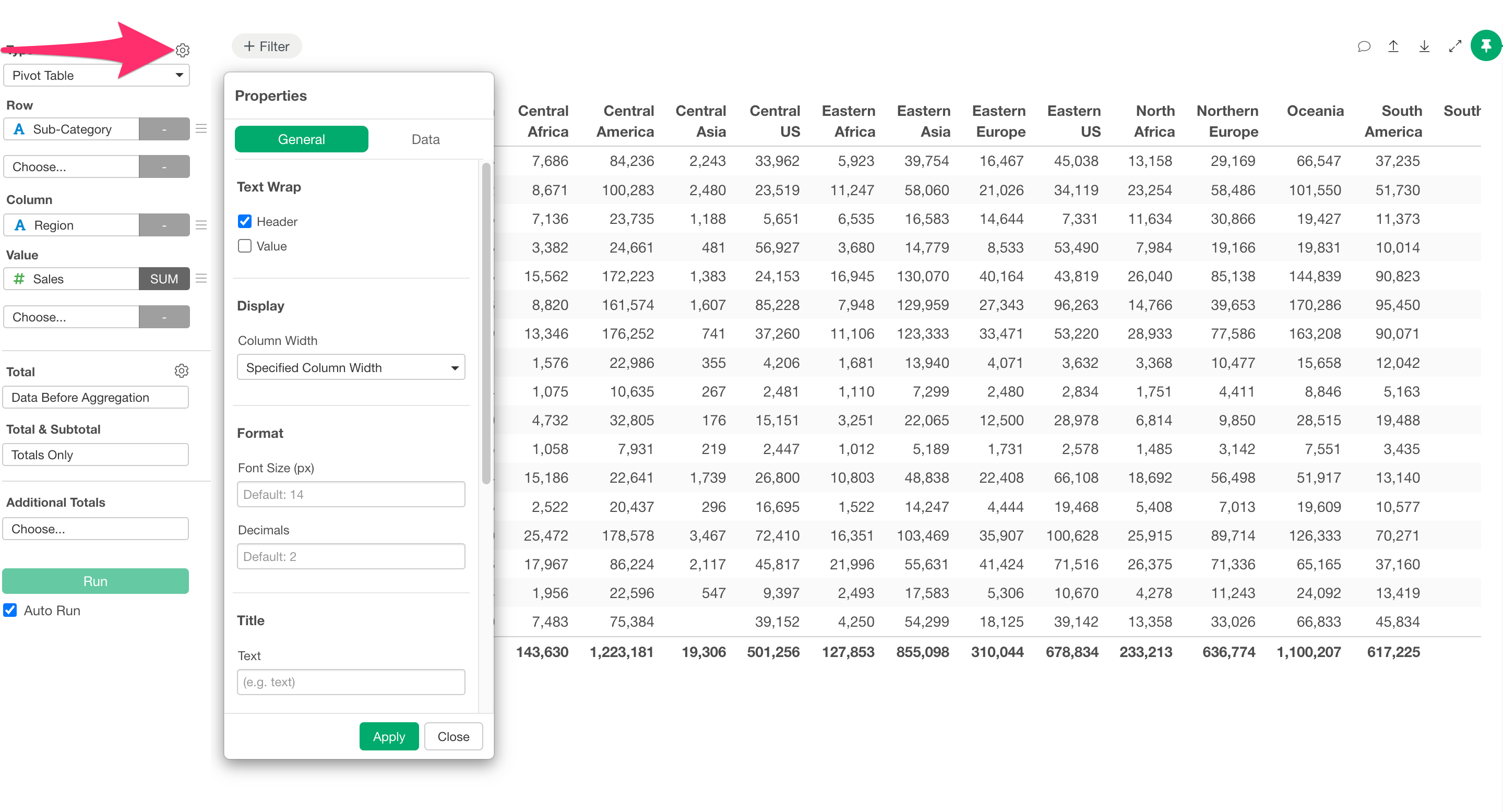
In the Format section, change the Master Font Size to a smaller value and click Apply.
As a result, the row heights and column widths will be automatically adjusted, enabling you to display more information within the same viewing area.
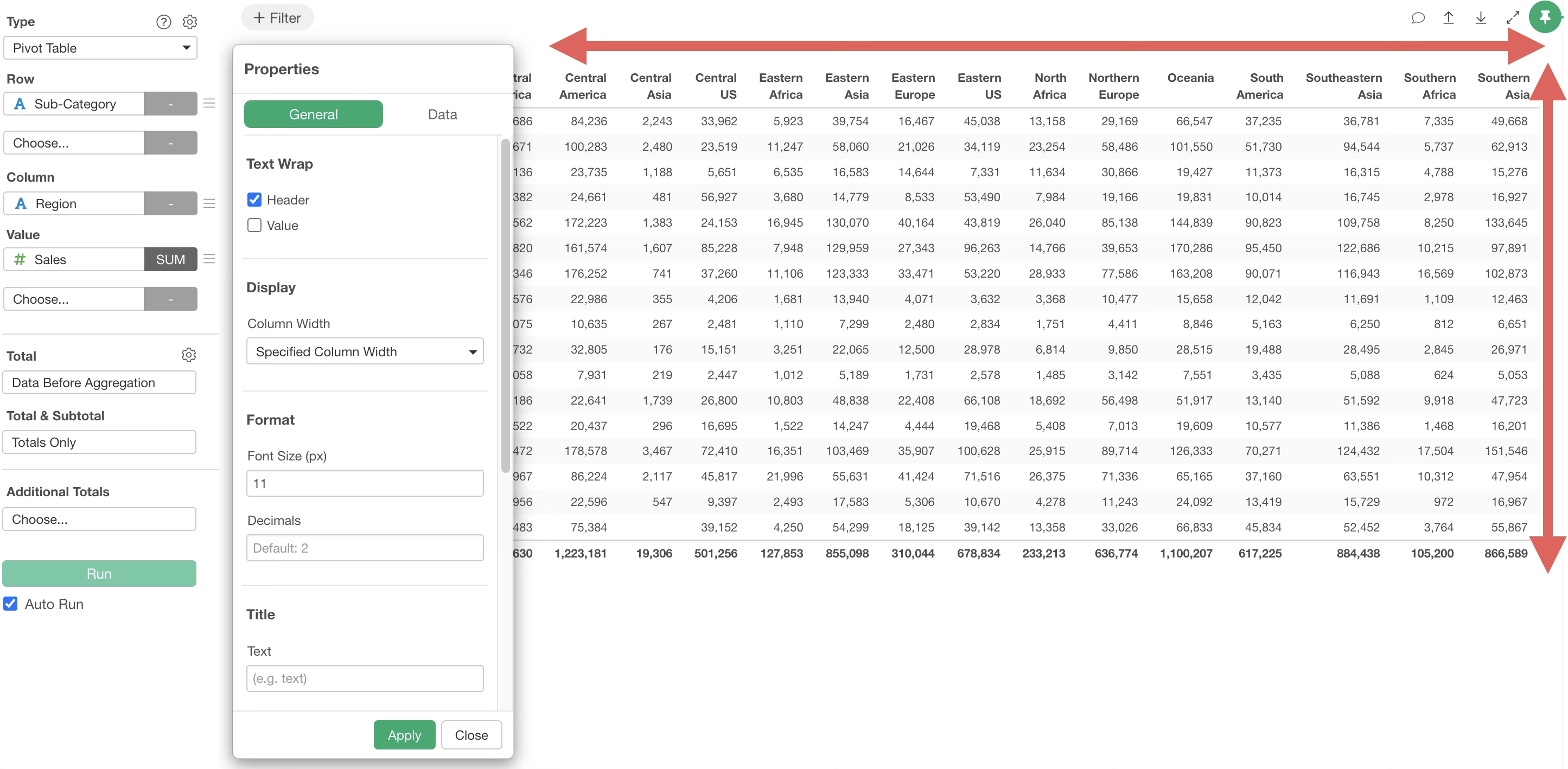
Note that this automatic adjustment also works when setting font sizes for individual columns or when the text wrapping option is enabled.