How to Change Dashboard Background and Border Colors
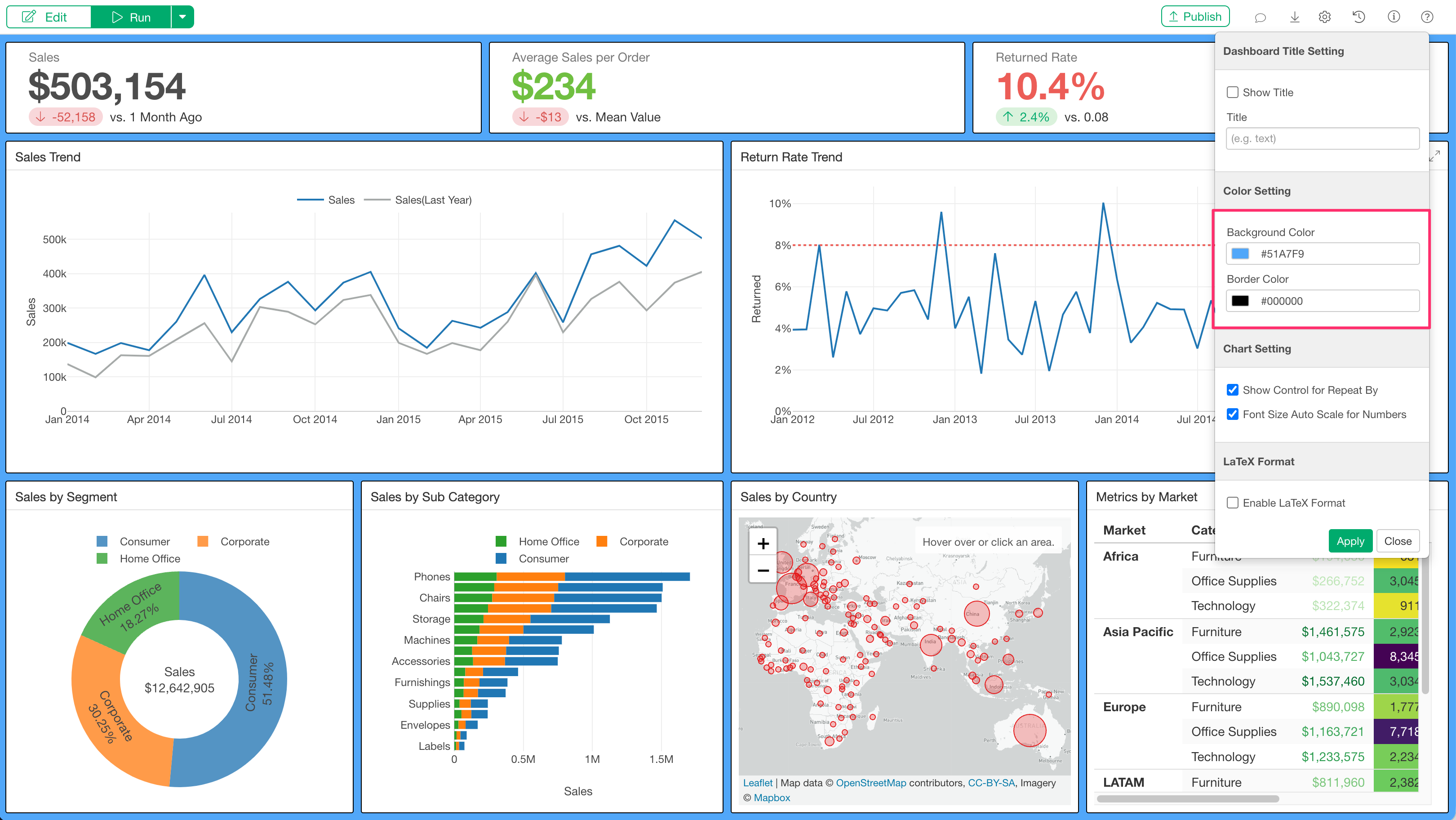
Starting from Exploratory Desktop v14.5, you can now change the background color and content border color directly from the Dashboard settings dialog.
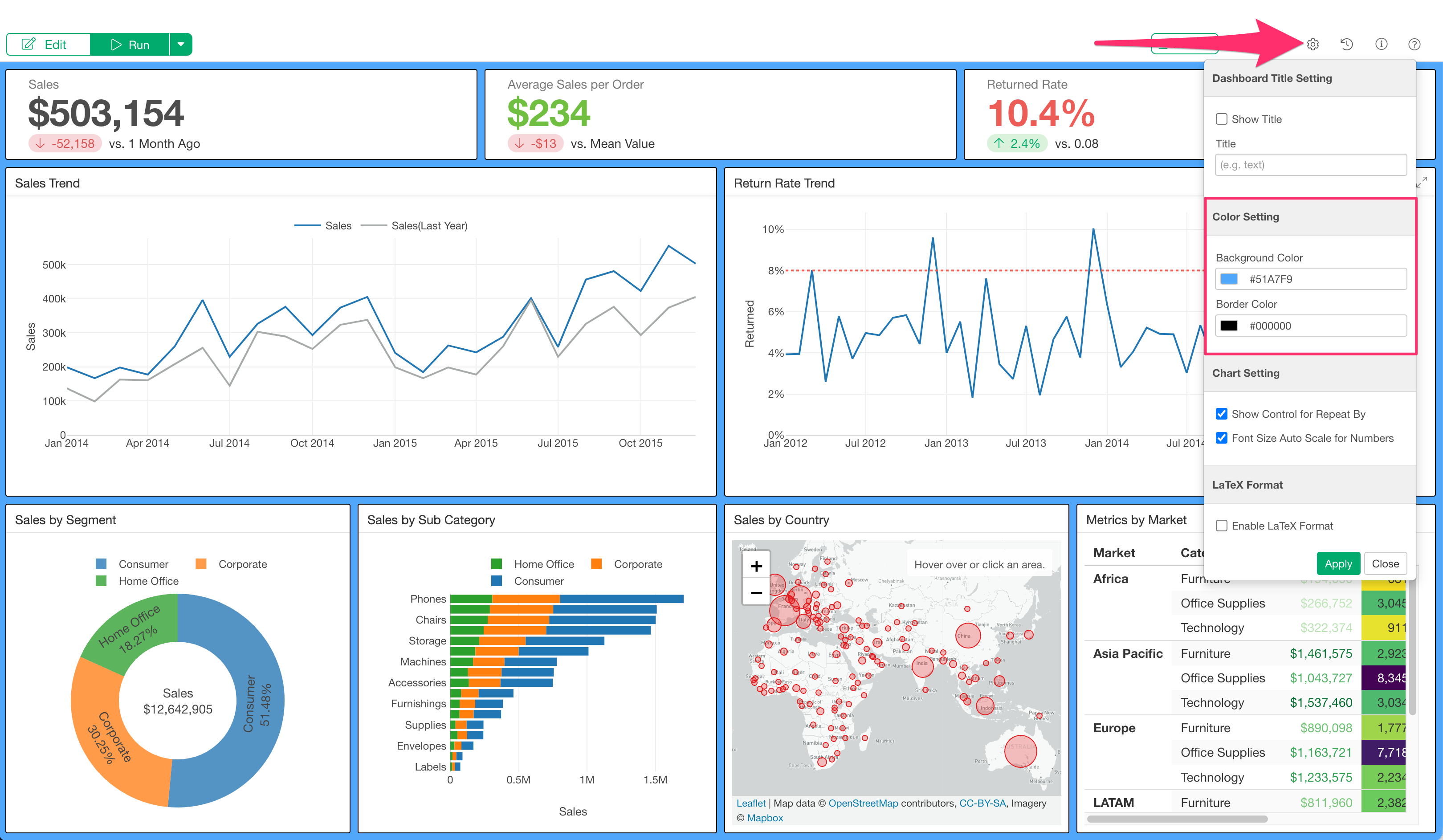
The colors you set will be automatically applied to all pages within the dashboard.
How to Use
To customize the background and border colors of your dashboard, click the gear icon on the dashboard to open the Dashboard settings dialog.
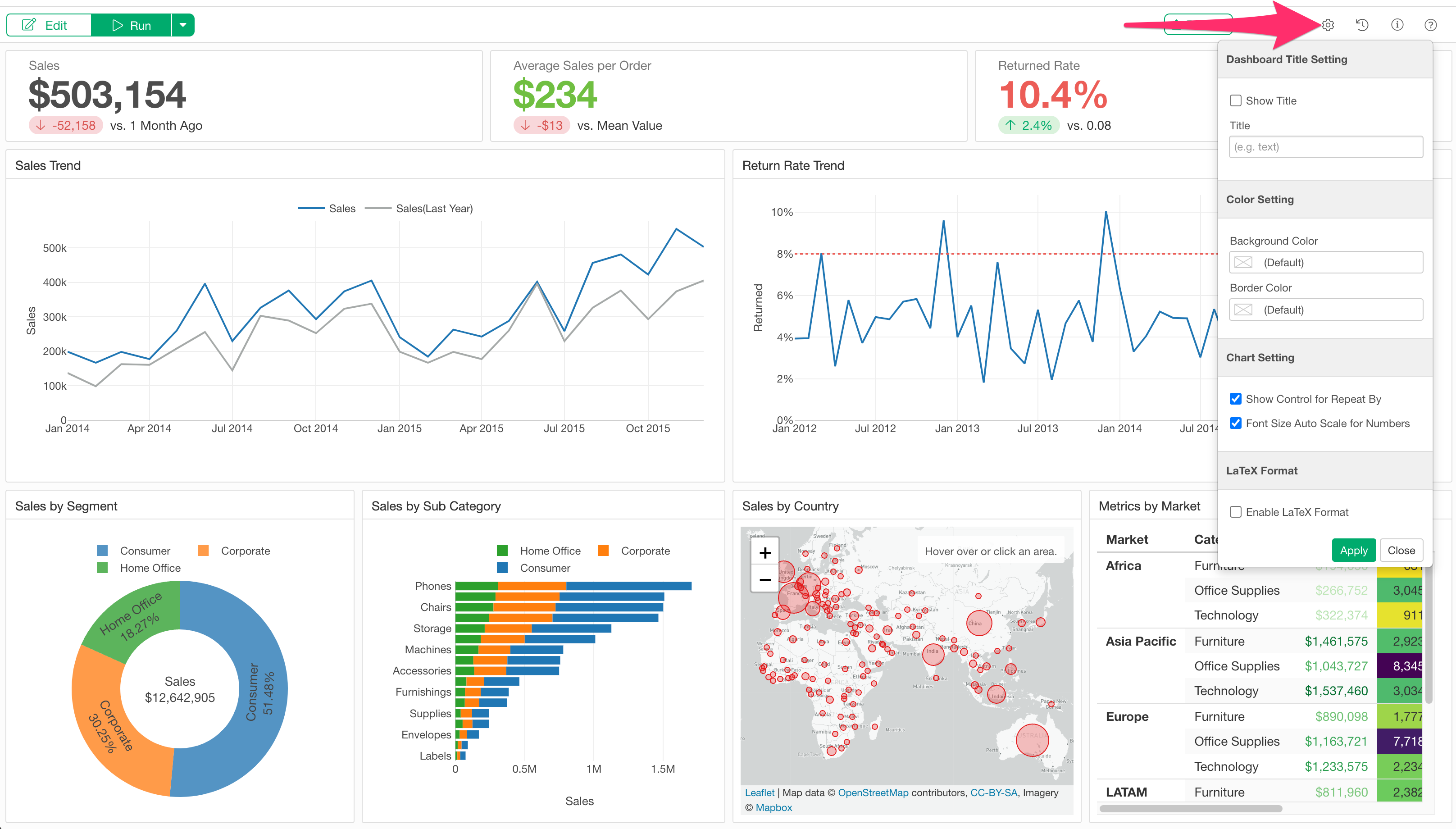
In the “Color Setting” section, you can modify the following two colors:
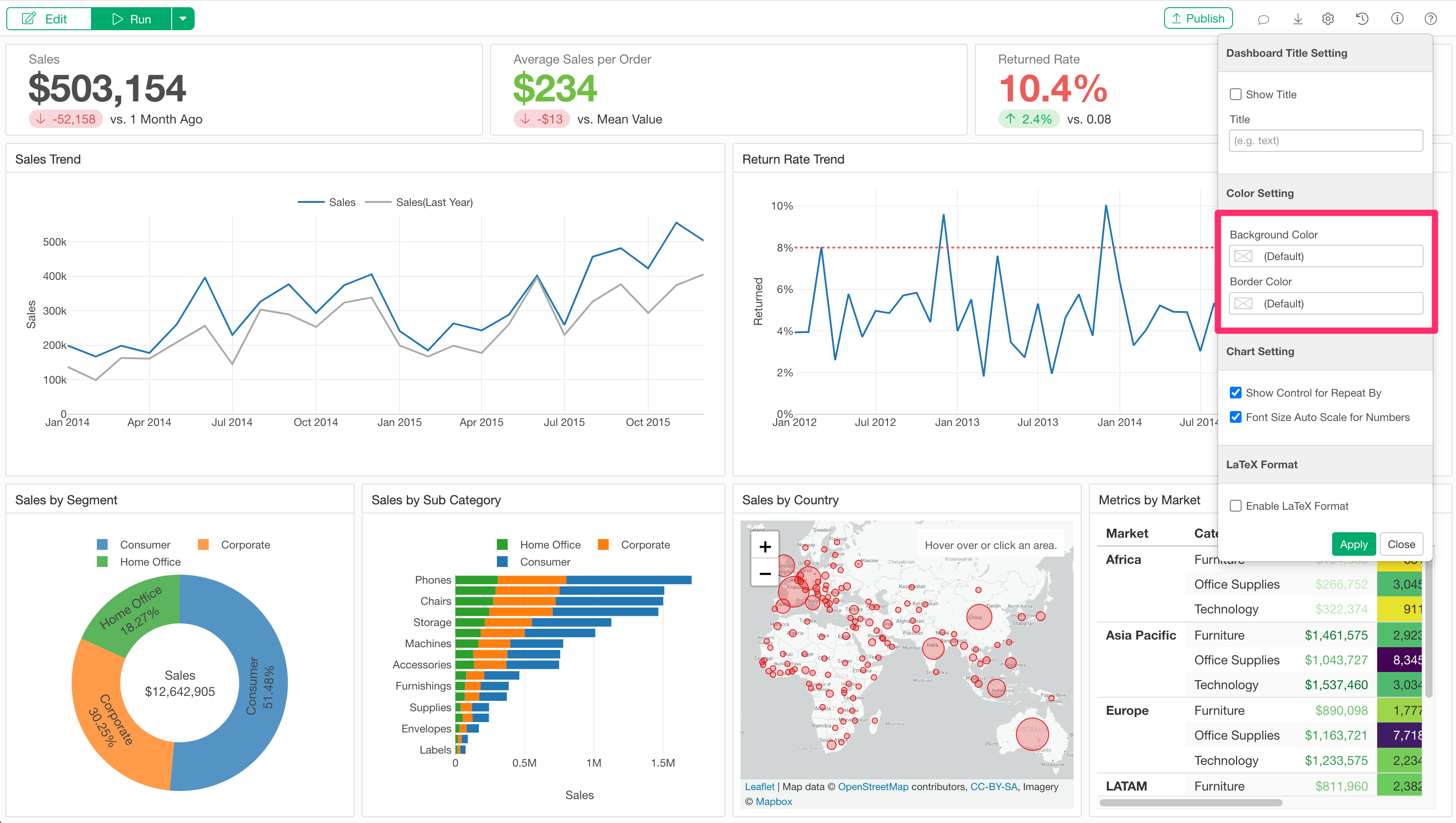
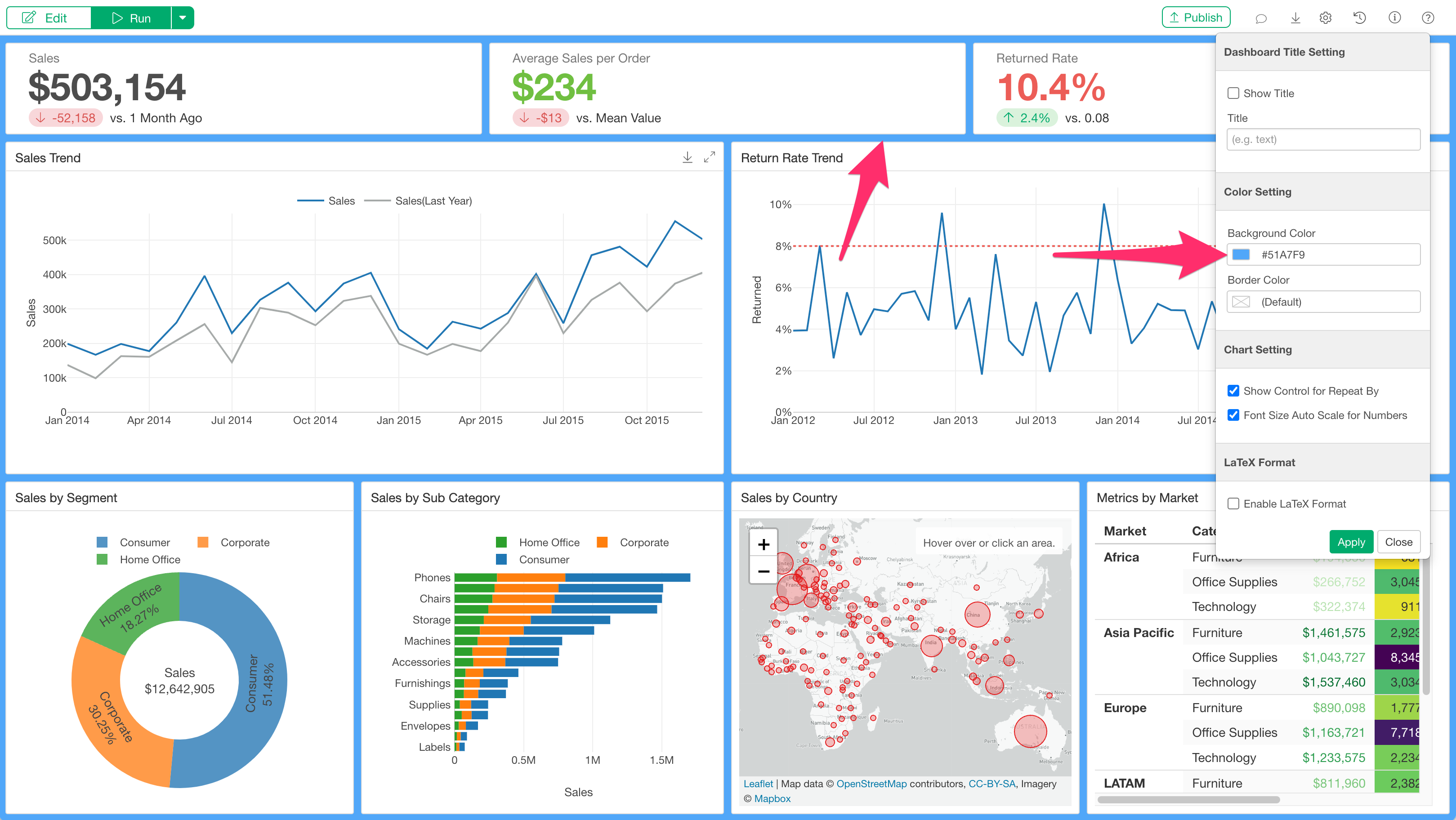
- Background Color: Changes the background color for all pages in the dashboard.
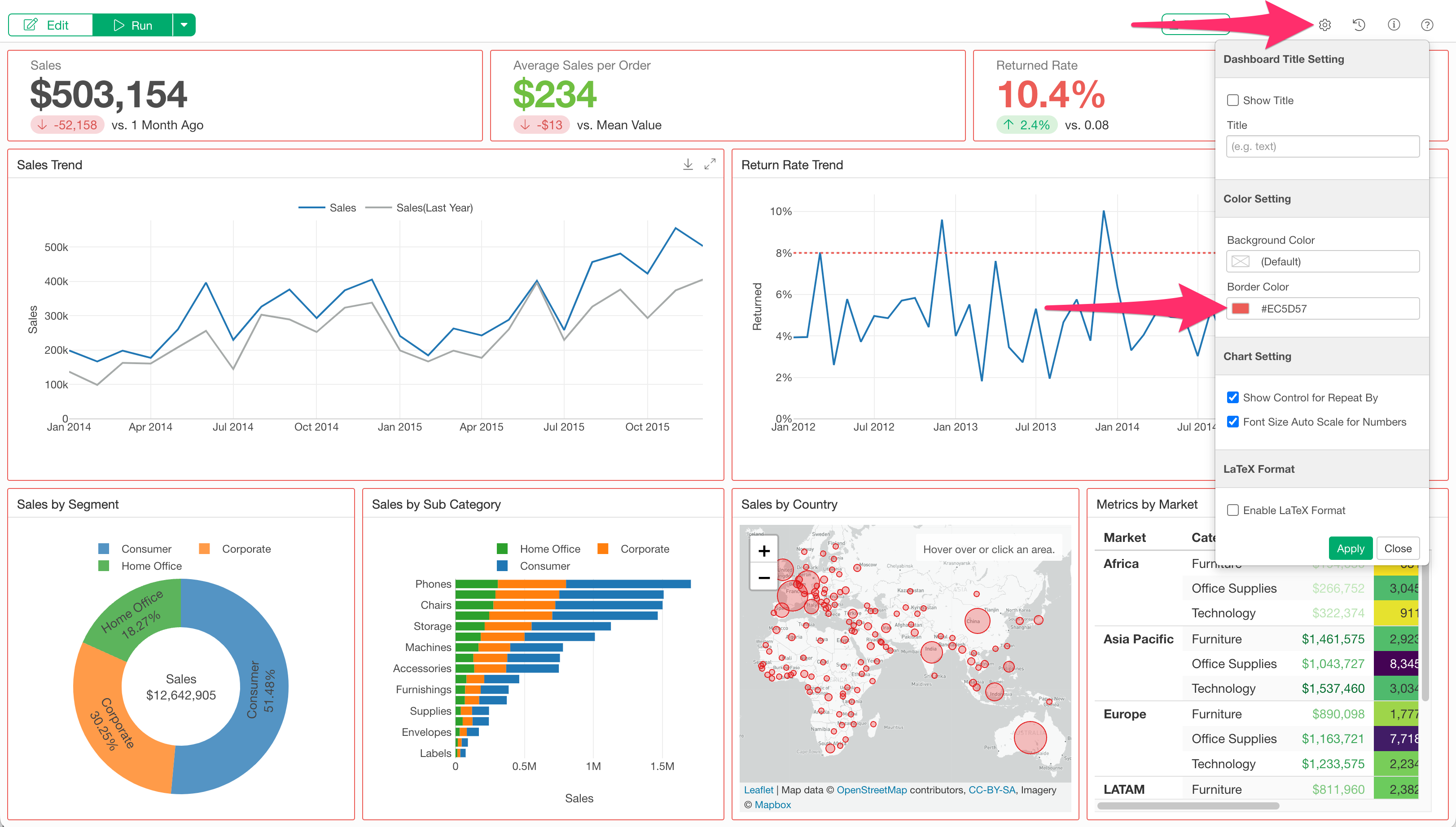
- Border Color: Changes the border color for each panel, such as charts and numbers.
When you change the background color, the color of the space between the contents in the dashboard will change.
With the border setting, you can change the color of the borders surrounding each piece of content within the dashboard.
Both settings can be applied simultaneously.