How to Resolve the Message “Your plan is currently set to Public. In order to use this Exploratory Desktop edition, you need to change the plan from the Account Setting page first.”
When launching Exploratory Desktop, you may encounter the following message: “Your plan is currently set to Public. In order to use this Exploratory Desktop edition, you need to change the plan from the Account Setting page first.”
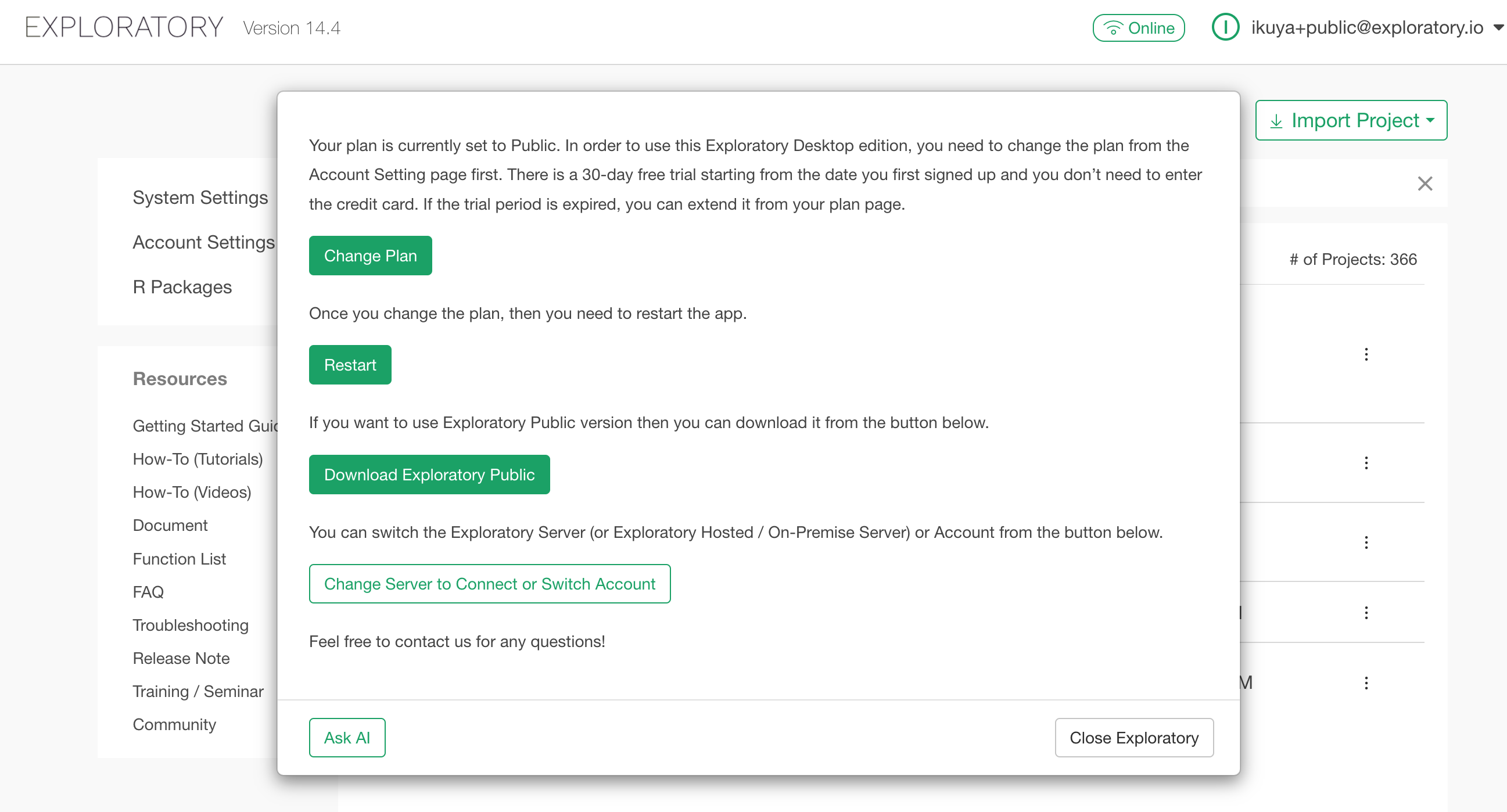
This note introduces how to resolve this issue when this message is displayed.
Premise
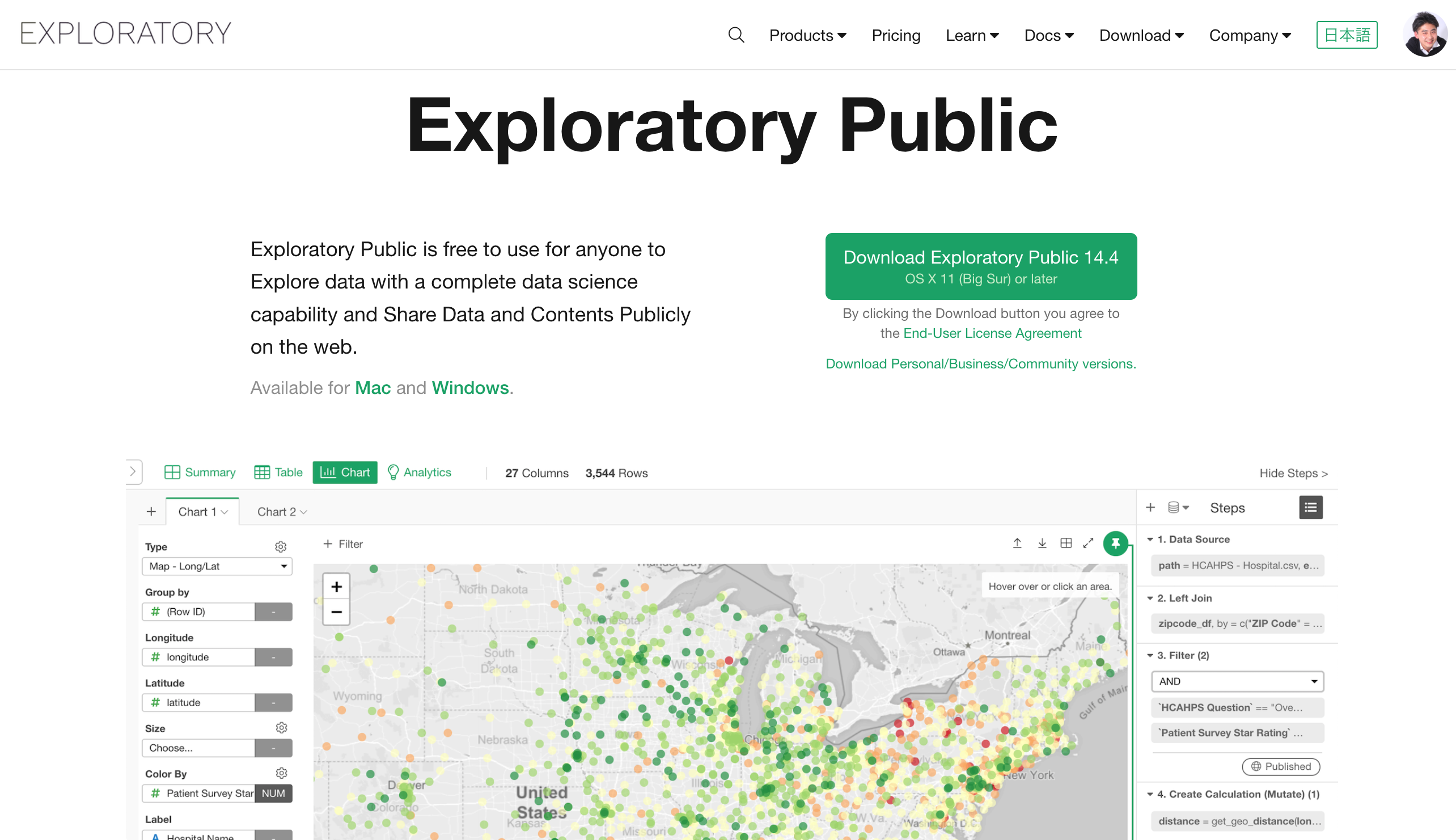
Exploratory offers two types of applications: Exploratory Desktop and Exploratory Public.
Exploratory Desktop is an application available to customers with a paid license or those on an Academic plan. Additionally, for 30 days after signing up for Exploratory, you can use Exploratory Desktop for free without registering a credit card.
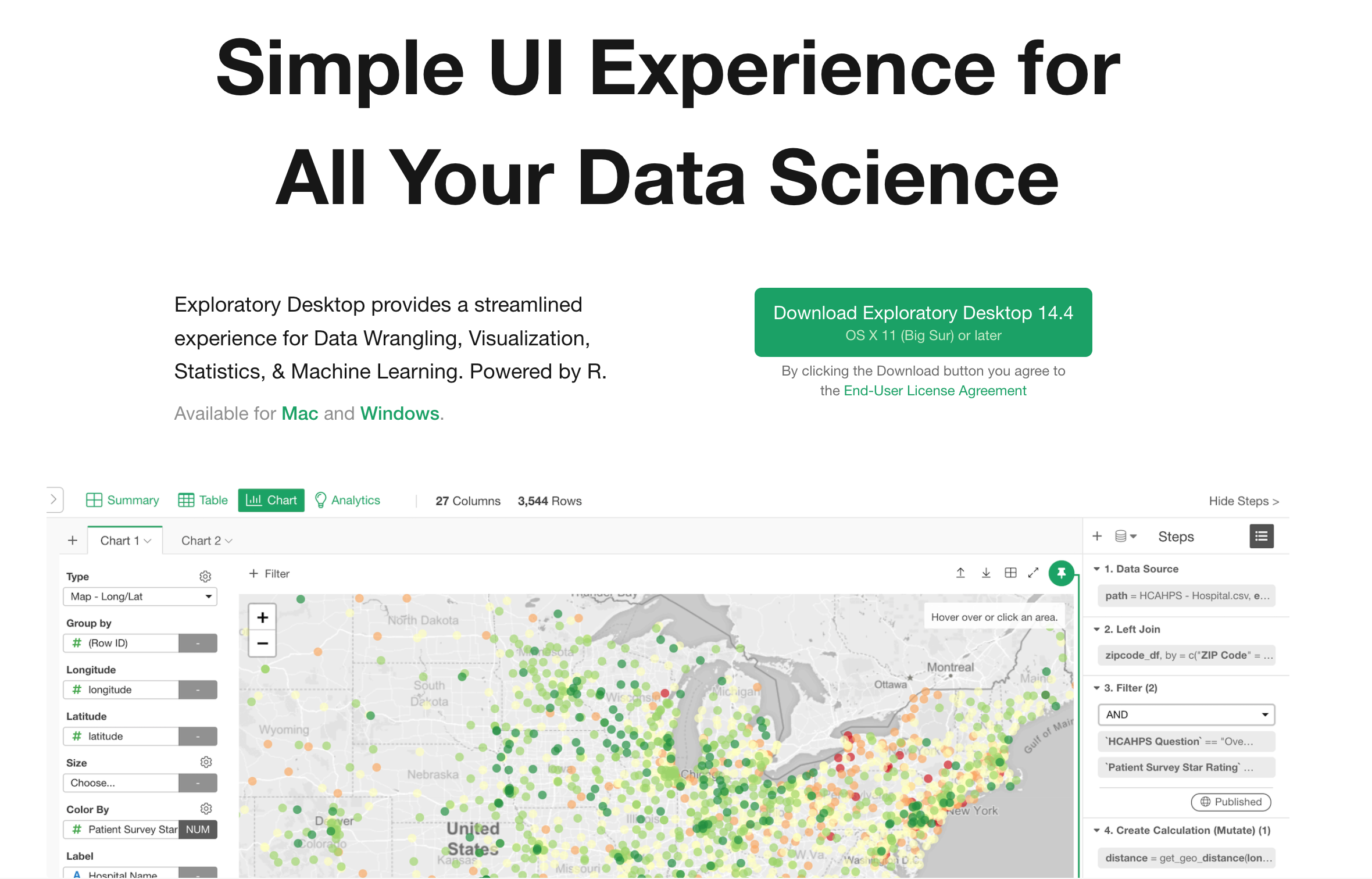
Exploratory Public is available for free, but in exchange, any projects you save will be published to the server in a state where anyone can view them.
The aforementioned message appears when there is a discrepancy between your current plan and the application you are launching—specifically, when you launch Exploratory Desktop while on a plan that does not permit its use.
This note explains the solutions for when this error occurs.
If You Want to Use the Free Exploratory Public
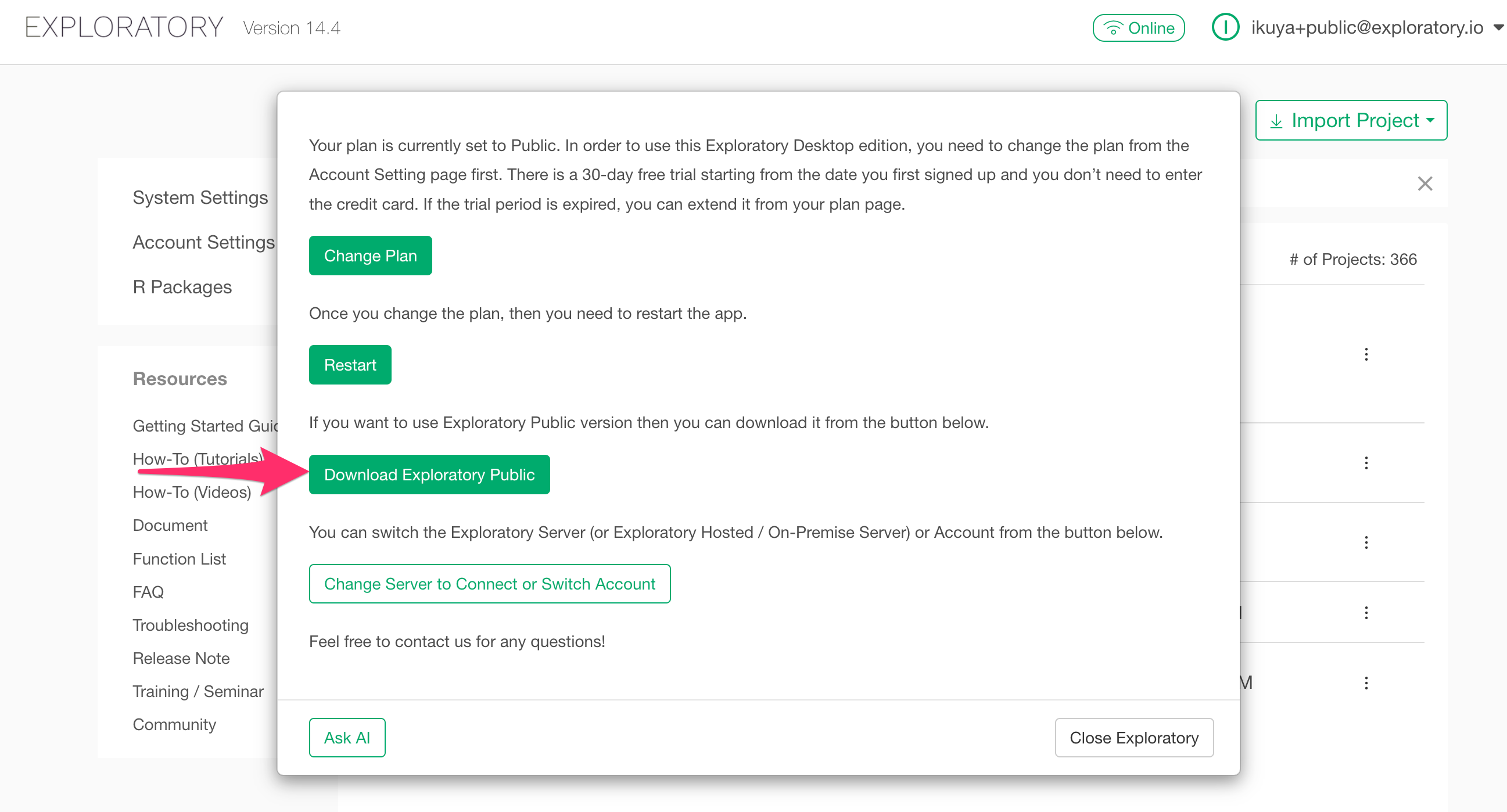
If you do not intend to try the paid trial and instead wish to use the free Exploratory Public, the message indicates that you have downloaded and installed the wrong Exploratory application.
In this case, click “Download Exploratory Public,” then download, install, and launch Exploratory Public.
If You Want to Use Exploratory Desktop
Within 30 Days of Signing Up
If you are within 30 days of signing up for Exploratory but still see this message, it is because the plan you signed up for is the Public plan.
In such a case, click the “Change Plan” button.
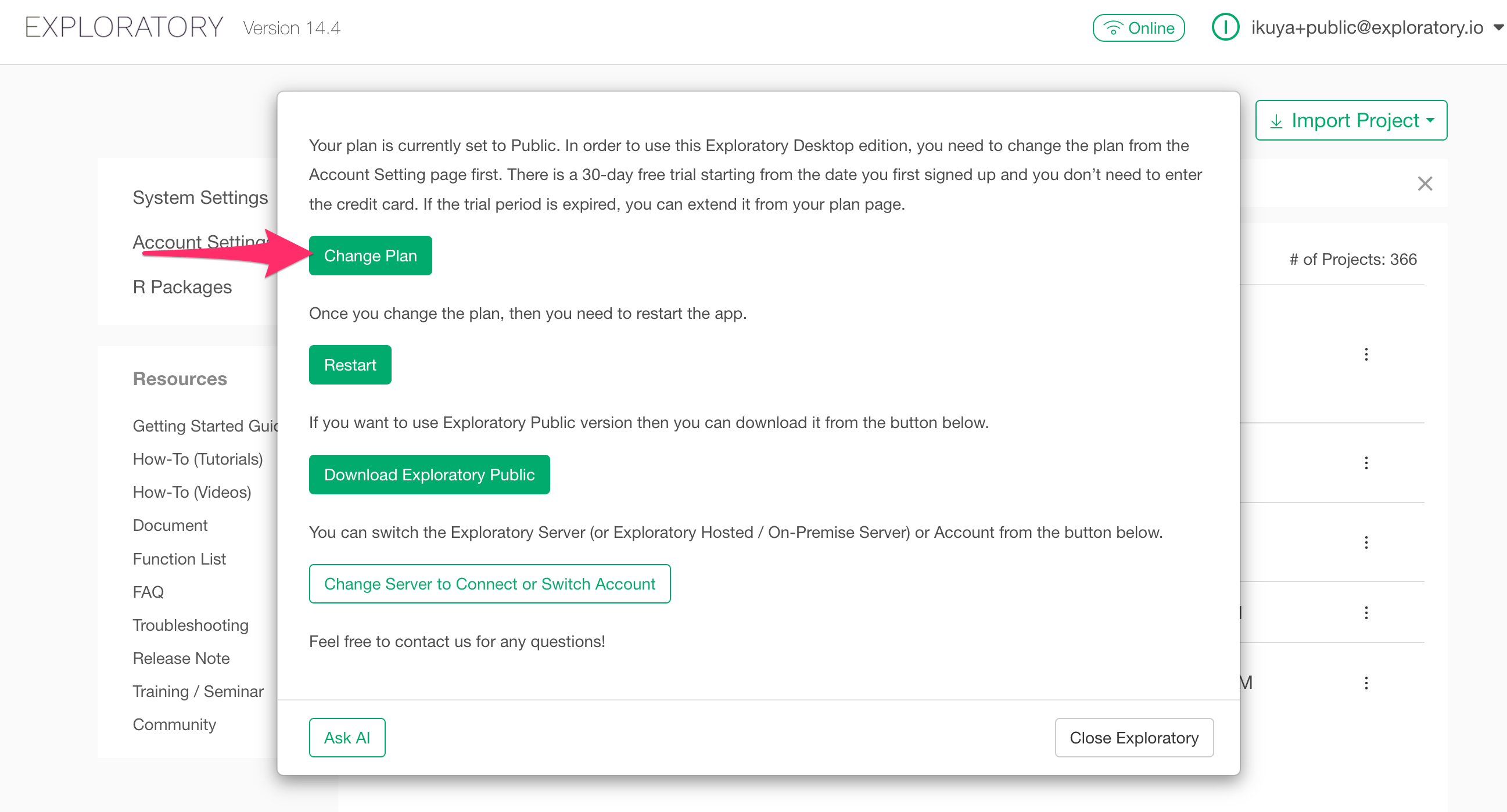
You will be redirected to the Account Settings page. In the Plan section, select a Personal plan or higher, choose your preferred billing cycle, agree to the terms of service, and click the “Update Plan” button.
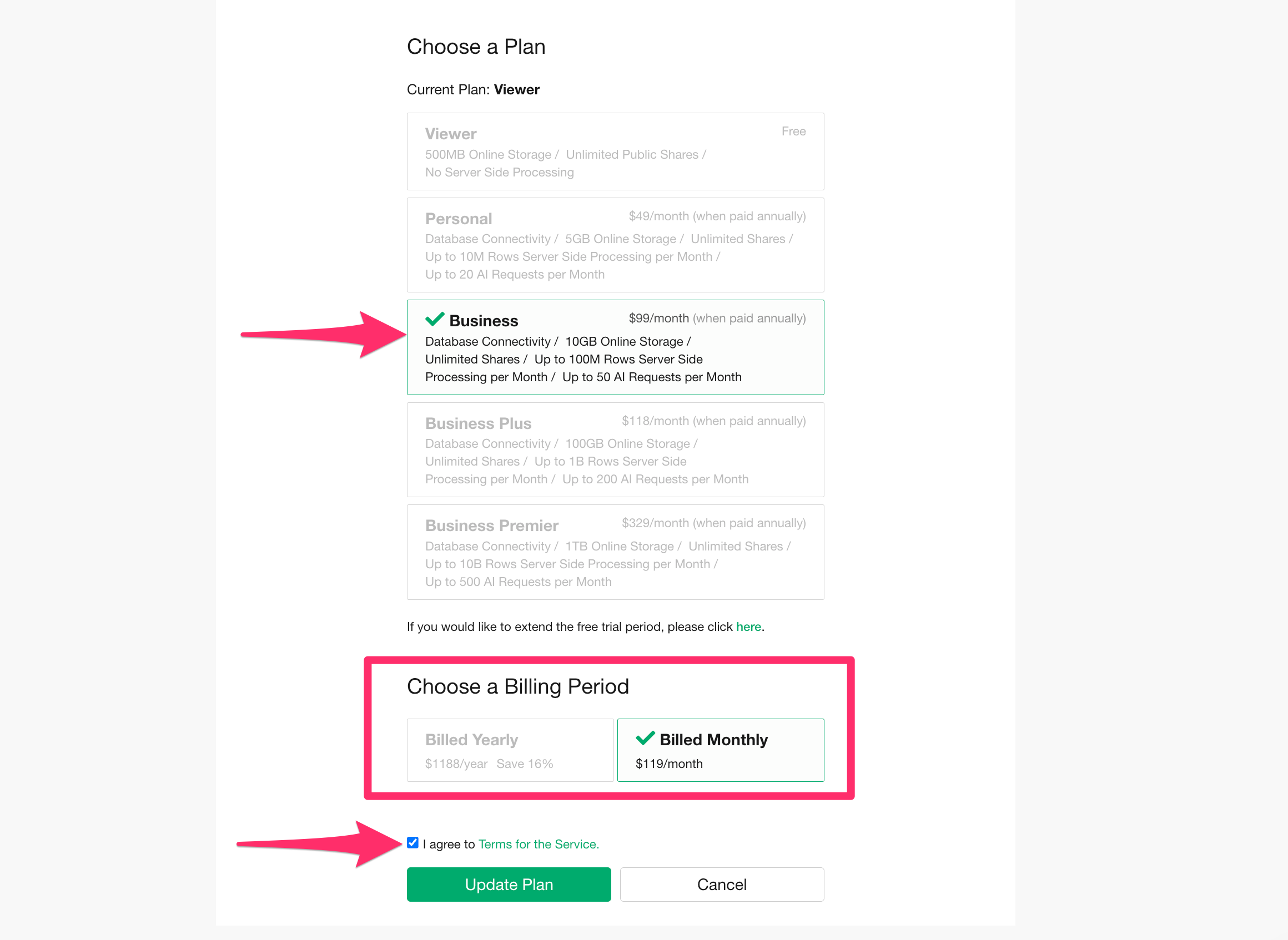
Your plan will then be changed to one that allows the use of Exploratory Desktop. Once the plan update is complete, you can use Exploratory Desktop immediately by launching the application.
More Than 30 Days After Signing Up
If you originally signed up for a Personal or Business plan, your plan automatically reverts to one that only allows Exploratory Public once the 30-day trial period expires.
Therefore, if you wish to continue using Exploratory Public, please refer to the section “If You Want to Use the Free Exploratory Public” above.
If you wish to purchase a license and use the paid services, select a plan and click the “Change Plan” button.
You will be redirected to the Account Settings page. In the Plan section, select a Personal plan or higher, choose your preferred billing cycle, agree to the terms of service, and click the “Update Plan” button.
The payment page will then be displayed as shown below. Please proceed with the payment.
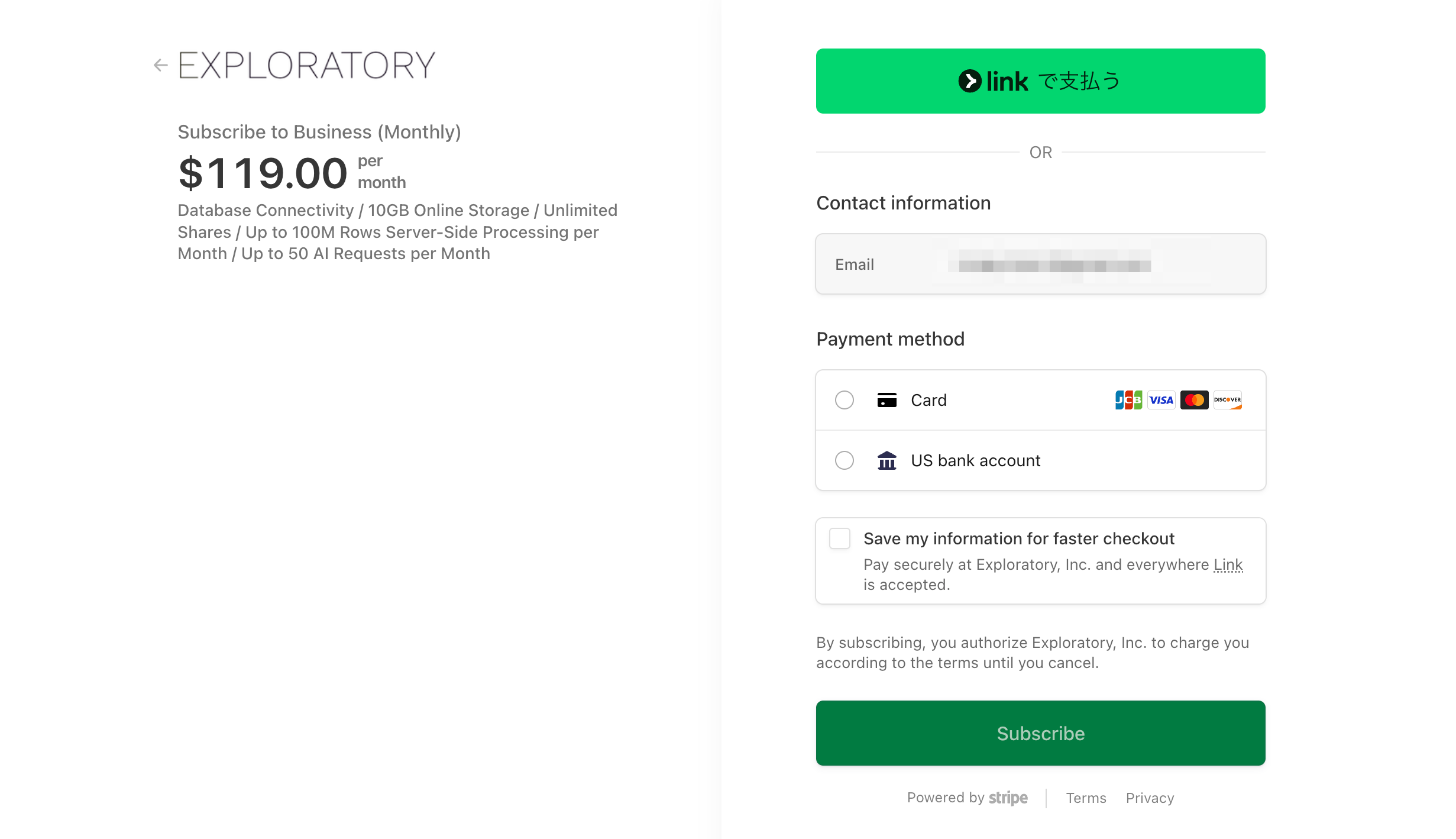
Note that payment via invoice (bank transfer, etc.) is also possible. For more details, please refer to the link below.
- How to Buy Exploratory Subscription Licenses with Invoice - Link