How to Restrict CSV and EDF File Downloads for Content Published to Exploratory Server
For data protection, creators of content published to Exploratory Server can control which users are allowed to download CSV or EDF files using one of the following settings:
- Only Author
- Author & Viewer
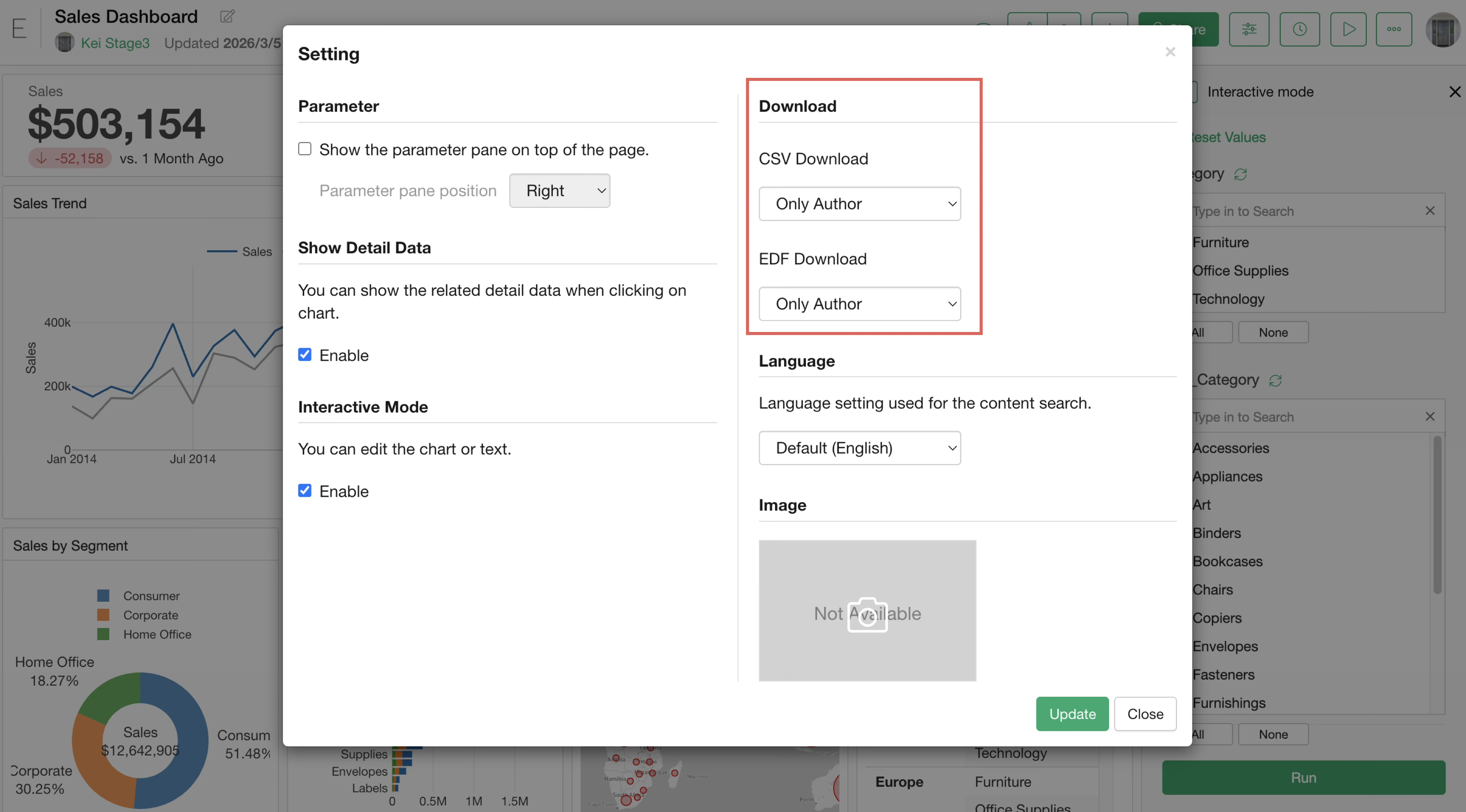
Starting from Exploratory Server version 14.2, the default setting for all newly published content is “Author Only” for data downloads.
On the other hand, content published prior to version 14.2 is set to allow both “Author and Viewers” to download by default.
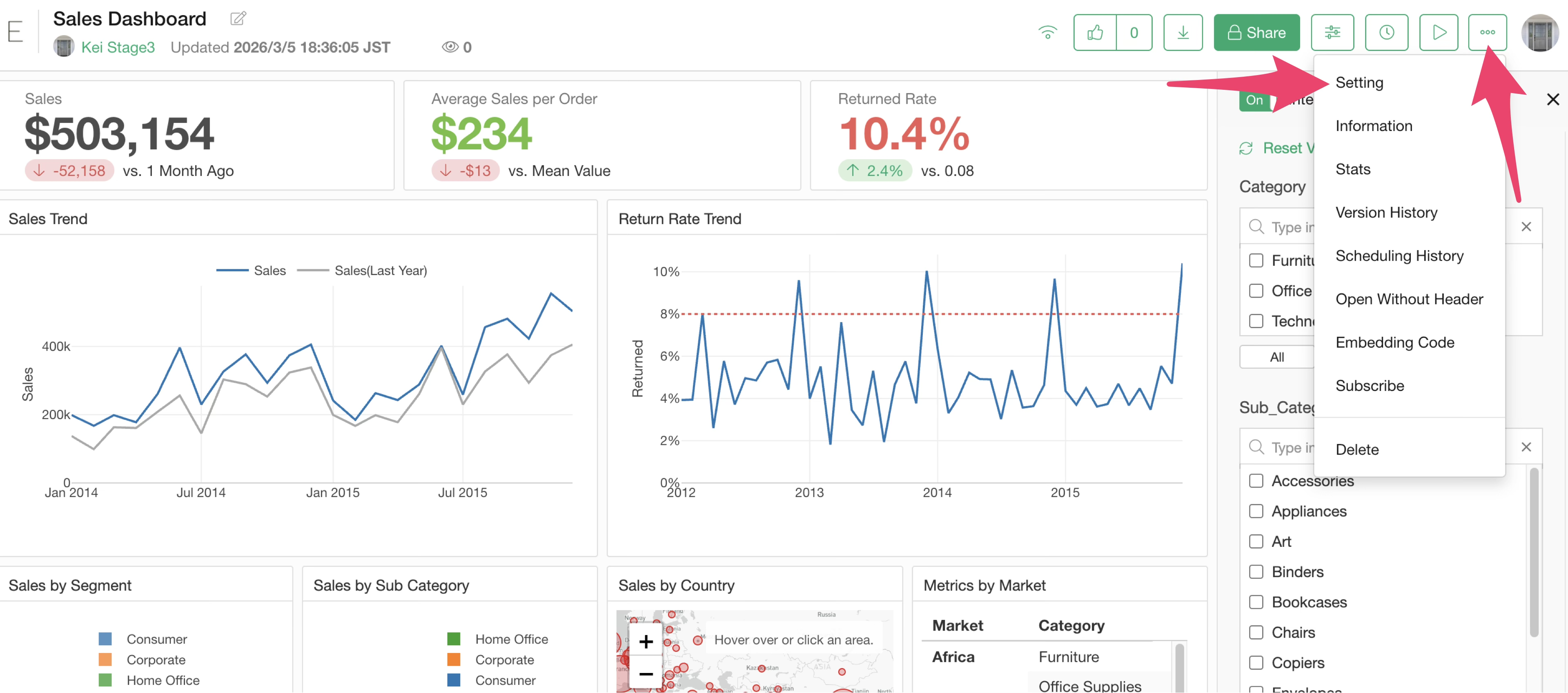
These settings can be toggled at any time as needed via the publish dialog or the settings menu on the server.
How to Download
The method for downloading data varies depending on the type of content and the specific format of the published content.
EDF
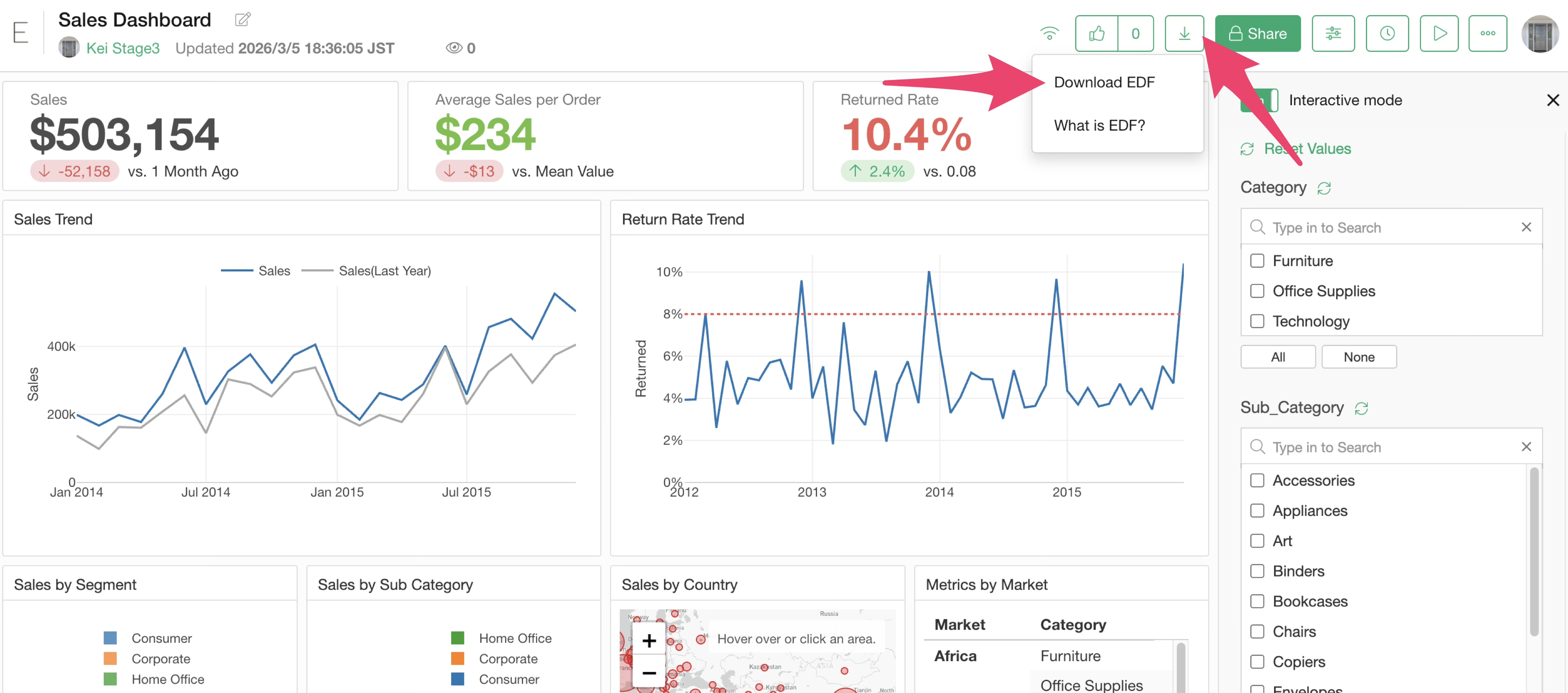
Regardless of the type of published content, EDF files can be downloaded using the download button located at the top of each content item.
CSV
In Notes and Dashboards, the download items within the export menu at the top right of each chart will be hidden or disabled.
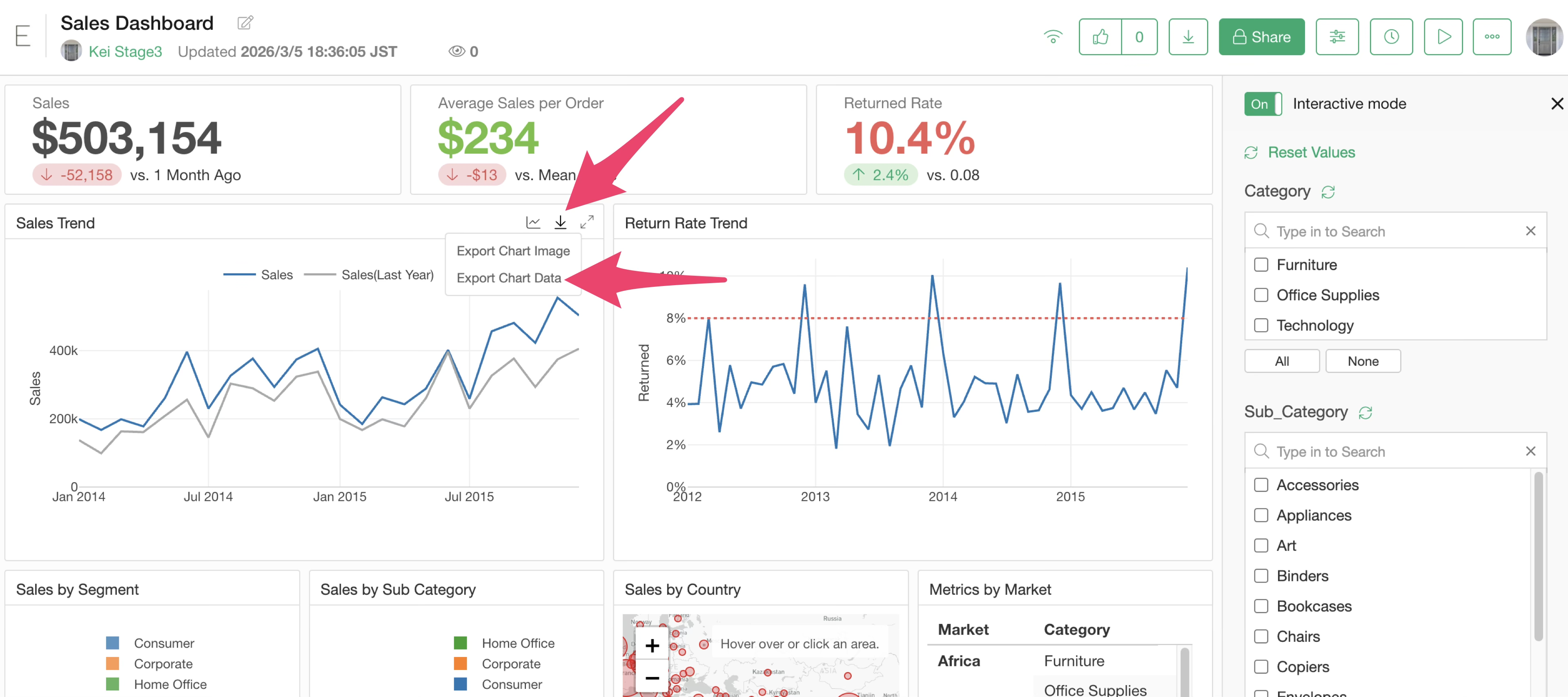
This also applies when parameters are executed.
In contrast, for Data Catalogs or Charts, when downloading the original data, you will use the download button at the top of the screen to download the CSV.
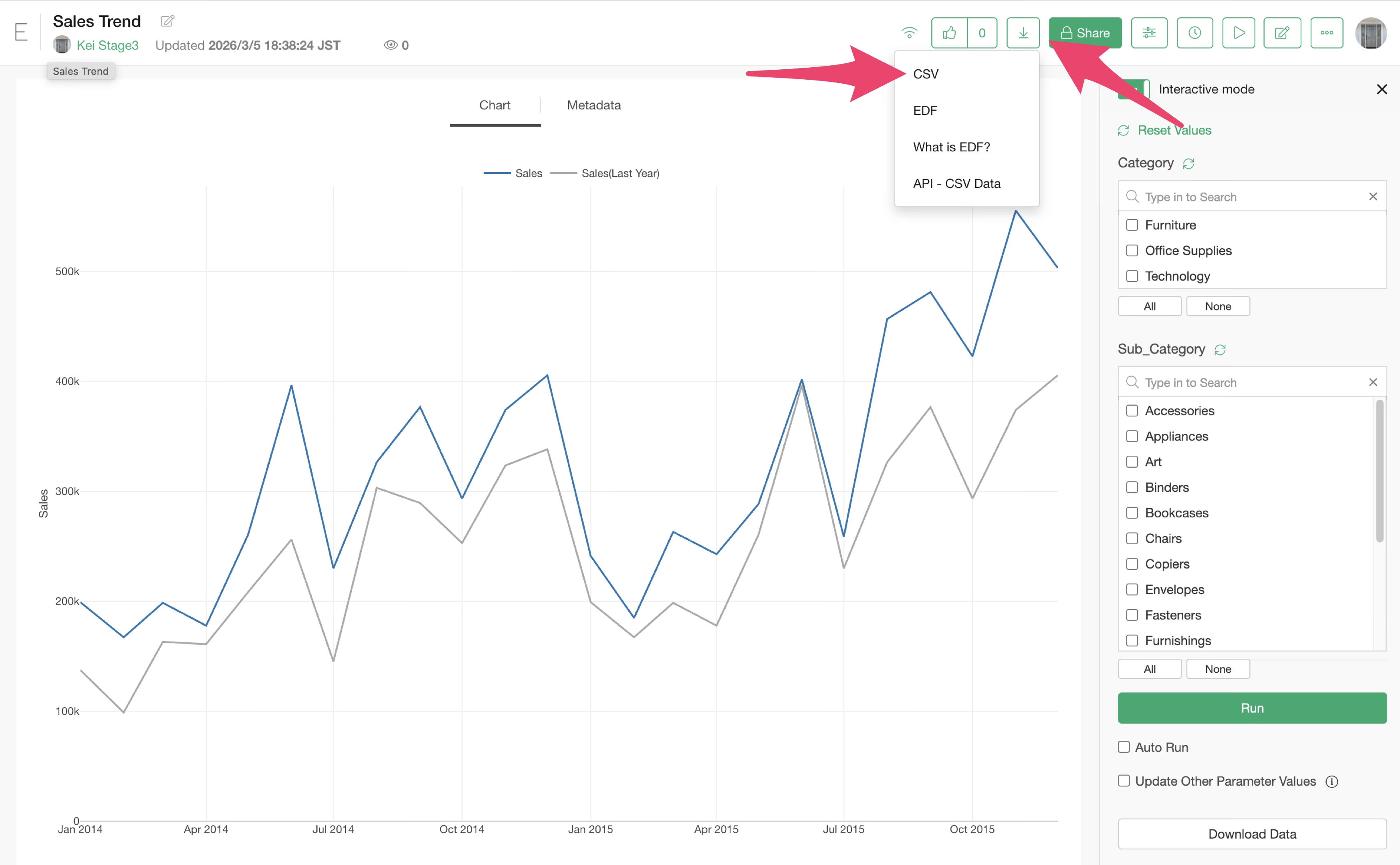
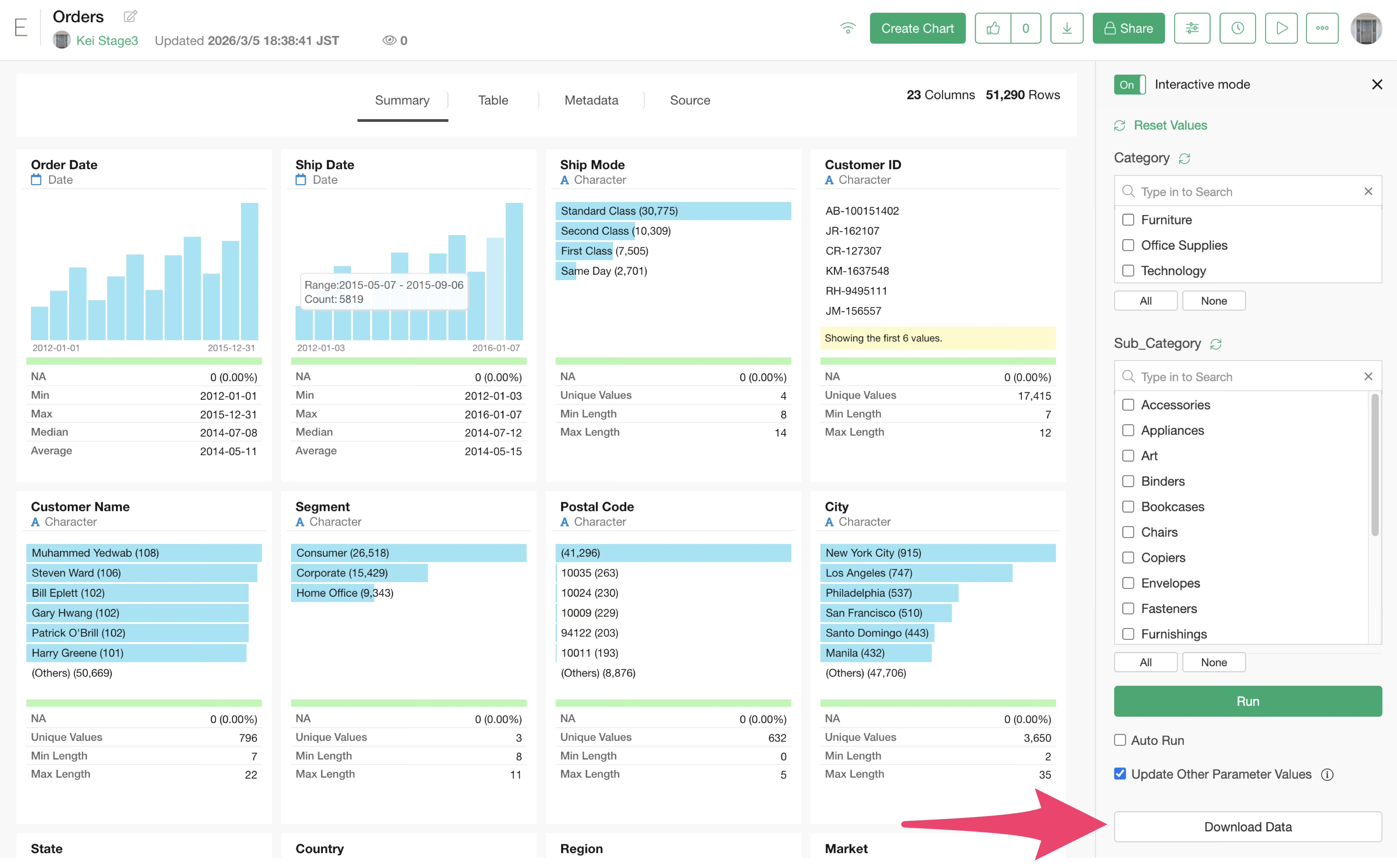
Furthermore, for data or charts where parameters are configured, if you wish to download the data after the parameters have been executed, you must use the “Download Data” button within the parameter pane.