Introduction to Exploratory v9 New Features!
As you might have known, a theme of this release is
'Without Number, you're just another person with an opinion.'
And we wanted to improve Exploratory so that you can create your own performance metrics (or KPI) and monitor therm, and interact with them through Dashboard in a much easier & more intuitive way.
You can see more details about the theme here.
If you haven't upgraded yet, I'd highly recommend you do it now! You can download from our download page.
There are many new exciting new features and I presented them at our seminar before.
If you are too busy for watching the 40 mins video above, here's a quick rundown of the Exploratory v9 new features!
1. Number: Difference / % Difference Calculation
Now you can create Difference or '% of Difference' calculations much easier with Number. For example, you can calculate how much your sales grows compared to the same month of last year (or quarter) by a few clicks with visual assistance!

Once you have such metrics (or KPIs) then you can present them all in the Dashboard!

2. Dashboard: Interactive Chart Filter
Now you can click on charts, maps, and pivot tables to show only the related data. And you can click on the green table button to show the related detail data!

3. New Note Editor
We have introduced a new Note editor with Exploratory v9. The new editor makes the note editing much more intuitive and more productive.

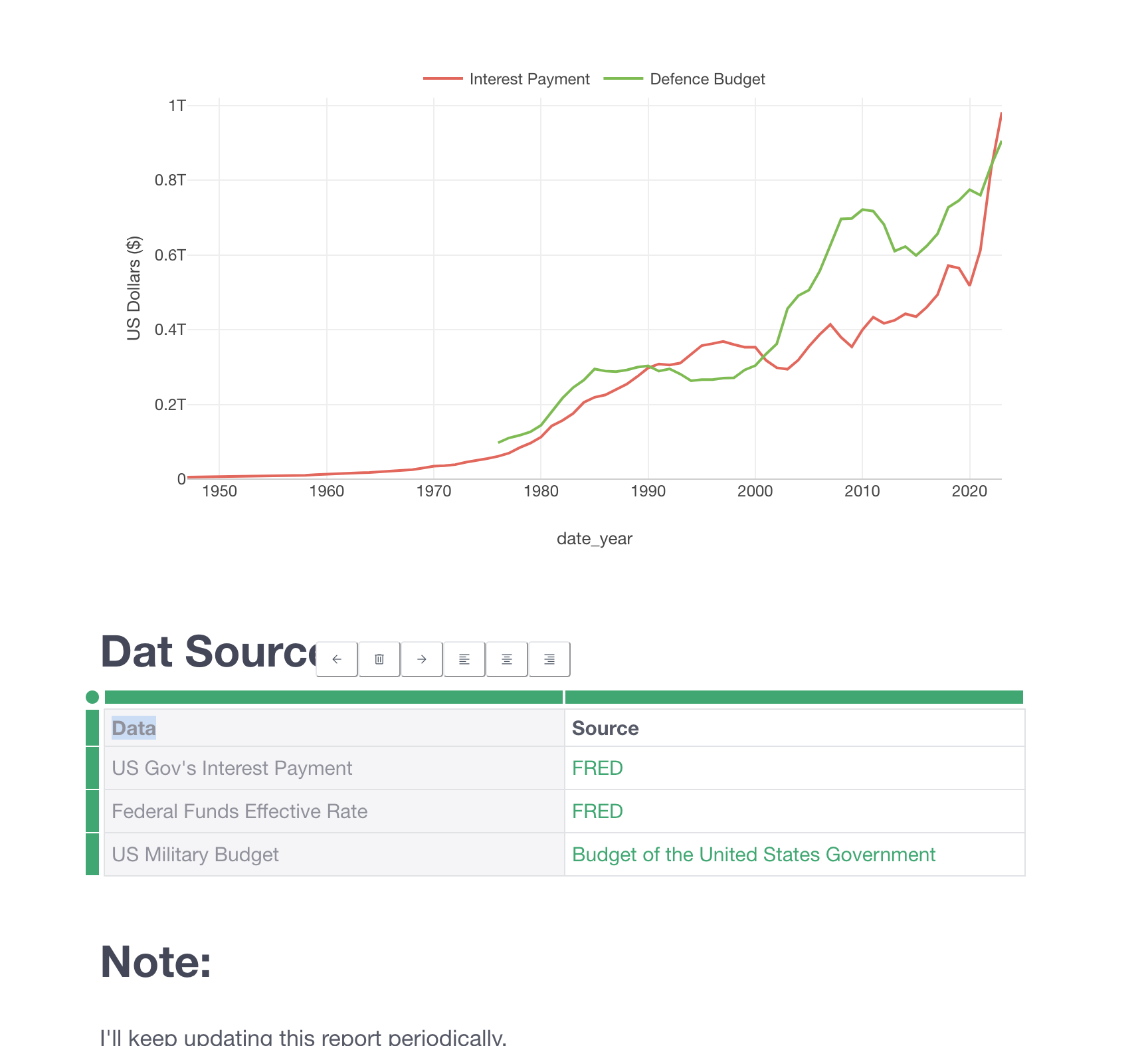
You add charts that are interactive hence you can write comments while looking at the numbers by moving the mouse over on a particular point on the chart.
Not only the chart, it's now much easier to add table for text and others.
4. Rename Multiple Column Names
We have introduced a new UI to change multiple column names at once with text wrangling operations such as Remove, Replace, Extract, and Convert!

5. Chi-Square Test / Bayesian A/B Test for Summarized Data
Now we support pre-aggregated data for both Chi-Square A/B Test and Bayesian A/B Test!

6. Project: Multiple Windows for Multiple Projects
You can now open multiple projects with multiple windows! This means, you don't need to close the currently opened project to open another project. Just go back to the project list page and click on the project you want to open!

You can download & upgrade Exploratory v9 today!